
4P3X AI branding
4P3X AI CAD Workshop™Design it, measure it, make it
Your own 3D design workshop

Build something.
See why it works.

Walk into the workshop, choose a challenge and turn exact measurements into a 3D object. VexSpark™ explains each step while you build at your own pace.

50 hands-on workshop challenges · all 401 original CAD lessons retained · designs saved on this device

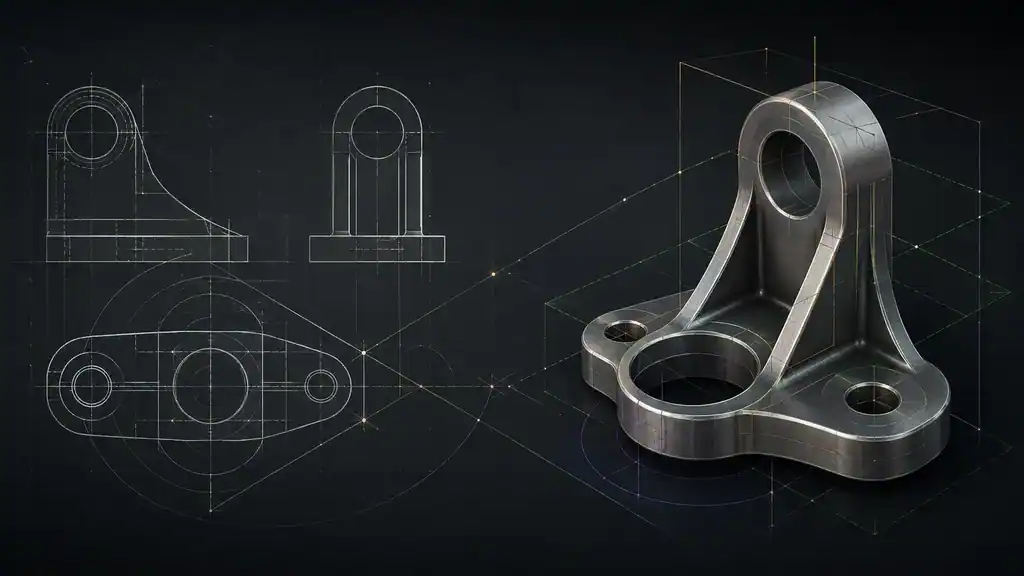
Illustrative CAD bracket beside orthographic outlines
Workshop illustration for the CAD learning App. The interactive workshop opens below.

1. Choose your challenge

Start with a block, progress to a hollow tray, then assemble matching parts.

2. Build with real values

Set dimensions in millimetres. Sketch, extrude, change the bore or walls, and inspect from every side.

3. Check and keep it

Check your geometry against the brief. Save it, reopen it and export the model.

Rectangle sketch → solid

Tap two opposite corners on the 5 mm grid, or enter exact dimensions below. This bench teaches closed rectangular profiles; arbitrary sketch constraints are covered in the CAD lessons.

This replaces the selected part's geometry; Undo restores the preceding state.

Saved on this device