Observe
Build forms with dimensions and part relationships.
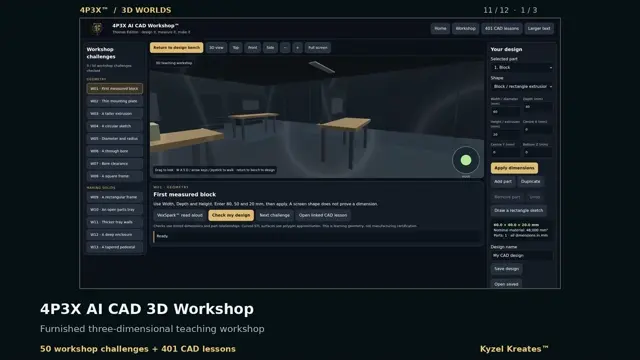
Inspect, manipulate and build 3D forms through practical workshop activities and a separate CAD application teaching track.
Build forms with dimensions and part relationships.
Check a design against an explicit workshop challenge.
Use linked CAD lessons for application-specific practice; advanced work requires the stated CAD software.
Workshop checks compare stored dimensions and relationships. They do not certify a design for manufacture. Application-specific lessons require the stated software and a lawful entitlement.
Allow time for the 3D world and artwork to load. The written overview and film chapter provide lighter ways to begin.
The interactive page loads only when you choose Launch. A compatible browser with 3D graphics support is needed; speech and performance depend on the device.
Progress is stored in this browser where supported. Use the experience’s export controls when available before clearing browser data. This world is outside the site’s offline pack; use the saved-film option for an offline recorded tour.